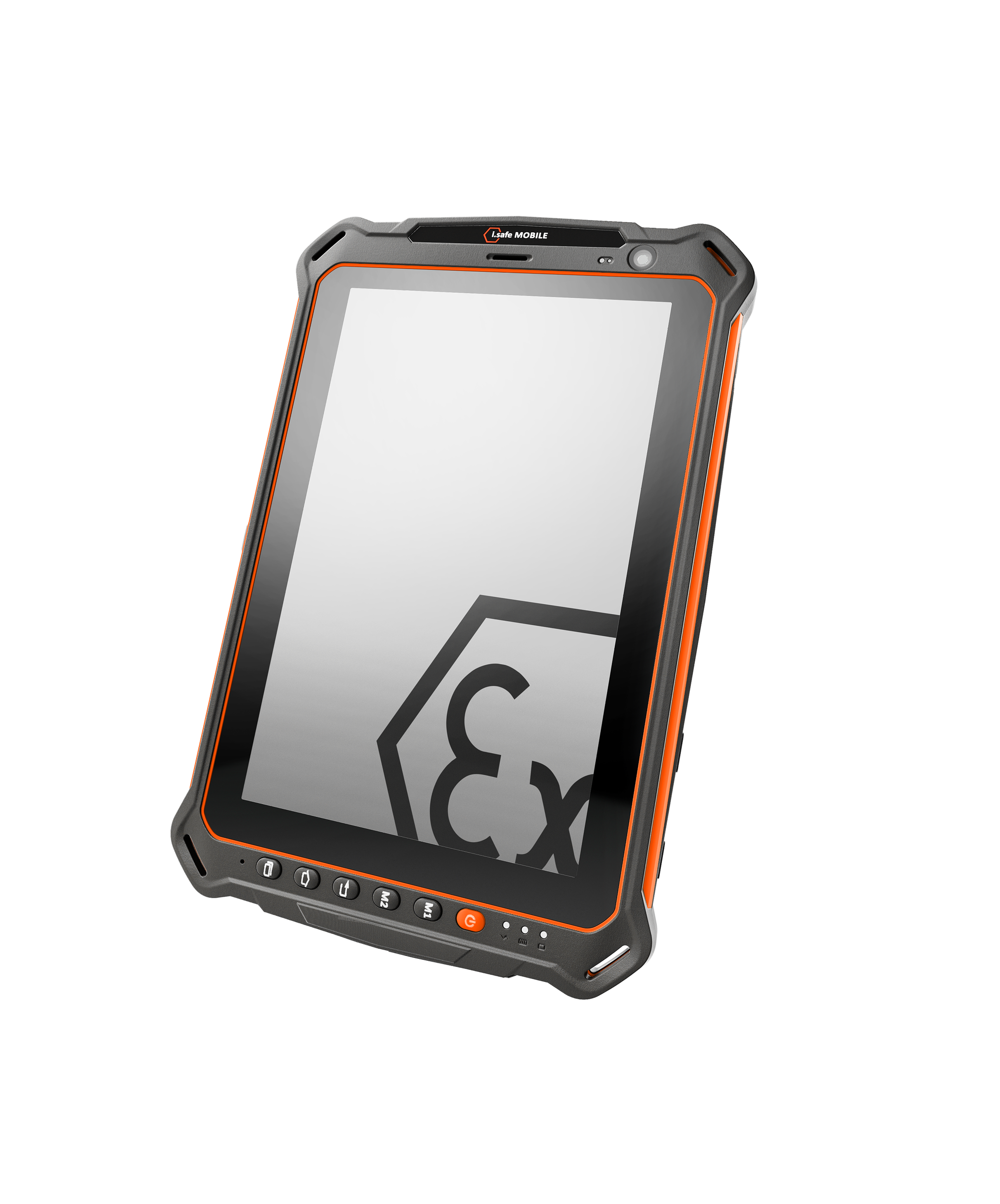
The Android 14 update for the IS930.x will begin rolling out soon. For many devices, the update will appear automatically and can be installed as normal. However, some users may find that the update is not visible on their device.
This is not a fault. It is the result of a change in Android 14, where Google now only supports File Based Encryption.
Why the Android 14 update may not appear
Previous versions of Android supported two storage encryption methods: Full Disk Encryption (FDE) and File Based Encryption (FBE). While Android 13 supported both to allow a gradual transition, Android 14 now allows only File Based Encryption.
As a result, devices still using the older Full Disk Encryption will not see the Android 14 update until they are migrated to the newer standard.
What this means for your IS930.x
If your device is already using File Based Encryption, the update should appear automatically and can be installed without any additional steps.
If your device is still using Full Disk Encryption, the Android 14 update will not be visible. In this case, a factory reset is required to convert the device to the format now required by Android 14. This is a one-time structural change and is not specific to the IS930.x.
Which devices are affected
You are unlikely to be affected if your device originally shipped with Android 13, as these devices are already using File Based Encryption and are ready to upgrade.
You are also unlikely to be affected if a factory reset was already carried out during a previous upgrade to Android 13.
How to check if your device is ready
There are several ways to check whether your device is ready for the Android 14 update.
If your MDM or IT system shows the encryption type as “file”, the device is using File Based Encryption and is ready to upgrade. If it shows “block”, the device is using Full Disk Encryption and a factory reset will be required.
If you are checking through ADB, the command [adb shell getprop ro.crypto.type] will return “file” for File Based Encryption and “block” for Full Disk Encryption.
You can also identify the encryption type by restarting the device. If it shows the message “Enter PIN to start Android” immediately after the boot logo, on a black or static screen, it is using Full Disk Encryption. If it boots to the main lock screen and can receive phone calls before being unlocked, it is already using File Based Encryption.
What to do if the IS930 is not updating
If the Android 14 update is not visible on your IS930.x, the most likely cause is that the device is still using Full Disk Encryption. In this case, a factory reset is required before the update becomes available. As this process removes data from the device, any important information should be backed up beforehand.
Once the reset has been completed and the device has been set up again, the update should become available.
Support and further guidance
If you are unsure whether your device is affected, or would like assistance with the process, our team is available to help. Contact us at Support@Exloc.co.uk.