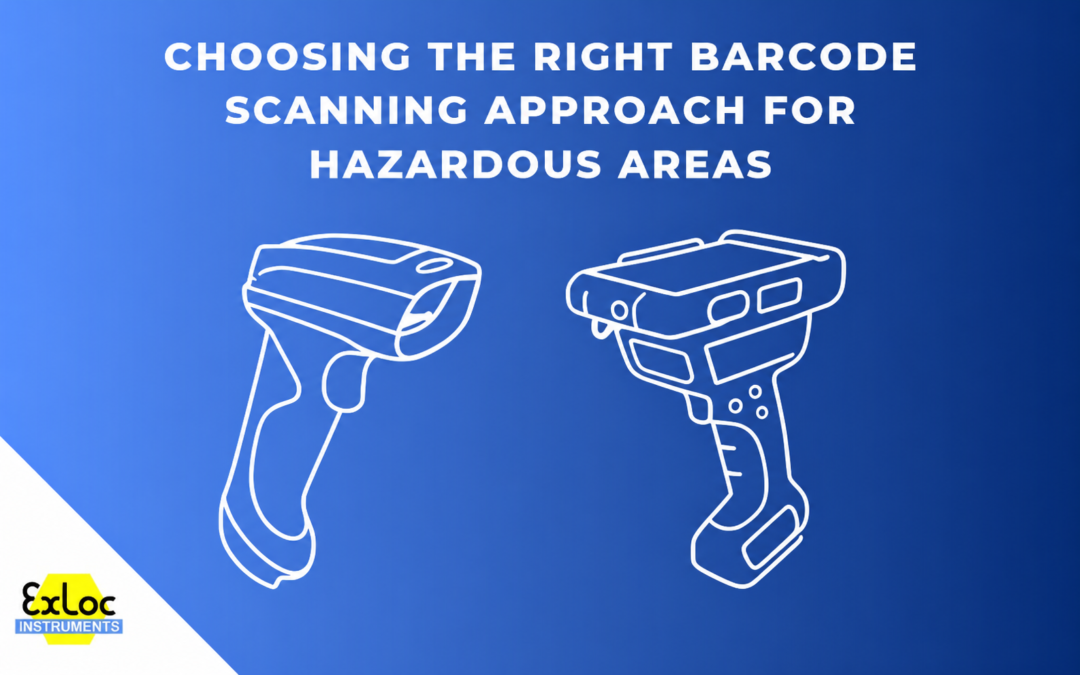
A modern ATEX smartphone already has a capable camera, so if somebody needs to capture a barcode in a hazardous area, adding a separate scanner is not automatically the obvious answer. For an engineer recording an asset number during an inspection or entering a part code into an application, using the device already in their hand can be perfectly adequate.
The decision starts to change when scanning becomes a larger part of the job. Frequency, distance, the position and condition of the barcode, PPE and the way the data needs to enter the user's existing system can all affect what is practical. Rather than starting with a particular scanner, it makes more sense to start with the workflow.
When camera-based scanning fits the job
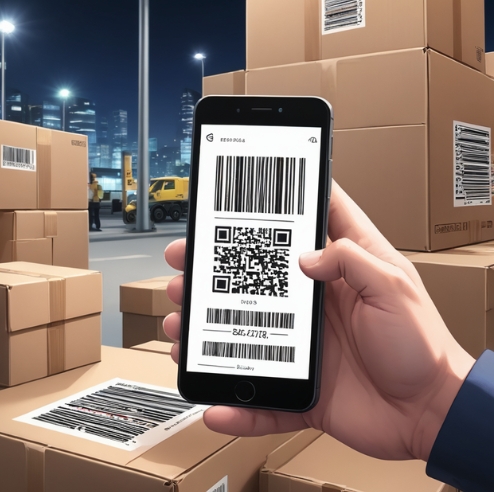
Camera-based barcode scanning suits applications where scanning is occasional and the smartphone or tablet is already being used for the main task. The operator can capture a code, place the decoded information into an application and continue working without carrying another device.
Software such as mobXscan takes this approach. It uses the camera already built into the mobile device and can enter decoded barcode information into a data field in much the same way as keyboard input. For an inspection or maintenance application, that means the barcode reader can sit inside the existing process rather than becoming a separate task in its own right.
There is no reason to treat this as the lesser option simply because it does not involve dedicated scanning hardware. If the codes are easy to reach, the working distance is normal and scanning only accounts for a small part of the user's day, the extra hardware may add very little.
The real test is how well the setup works with the actual codes being used. Barcode size, print quality, damage, lighting and positioning can all affect capture, and two applications that look similar on paper can behave quite differently in practice. If labels are likely to be awkward, worn or inconsistently positioned, it is better to test with representative codes and devices than to assume that either a phone camera or dedicated scanner will always perform better.
What changes when scanning becomes part of the job
Scanning frequency is one of the clearest reasons to reconsider the hardware. Positioning a phone camera for ten scans during an inspection is very different from repeating the same action through a shift.
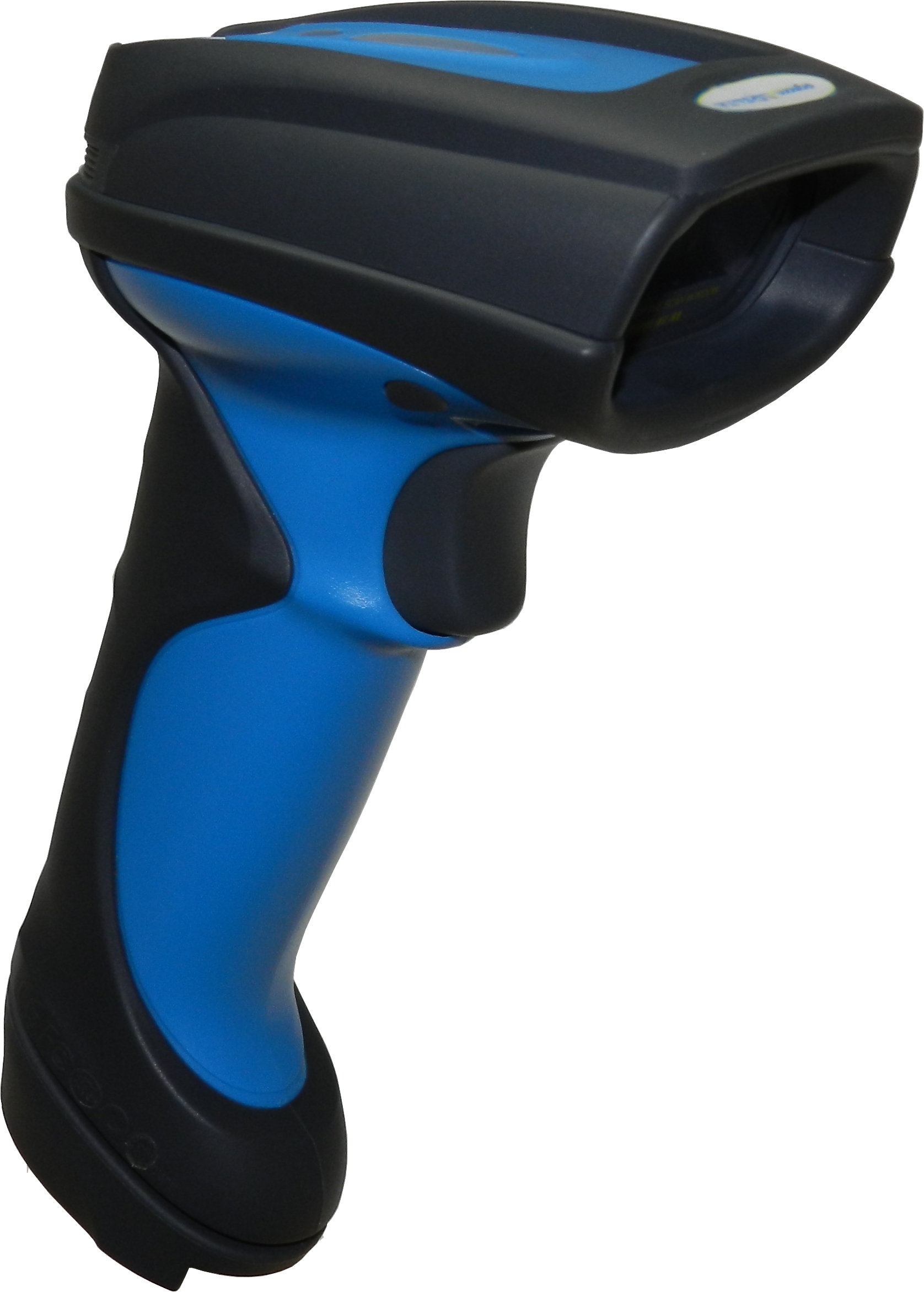
As scan volume rises, handling becomes more important. A physical trigger allows the operator to aim and scan without repeatedly interacting with an on-screen control, while clear feedback can confirm that the code has been read without forcing them to keep checking the display. Dedicated handheld scanners, for example, use visual, acoustic and vibration signals to confirm a successful read. In a noisy working area, or where the operator is wearing gloves, those details can become more useful than they initially appear.
The relationship between the scanner and the rest of the system also starts to matter more. The SD164/SD264 families provide dedicated handheld scanning with cabled and Bluetooth configurations available, while 1D and 1D/2D variants cover different barcode requirements. A scanner working beside a fixed terminal creates a different set of requirements from one being carried around site, so the decision is not simply whether to use a phone or a scanner. It also involves how the operator moves, where the data needs to go and which types of code are being captured.
PPE fits into the same calculation. A touchscreen may be perfectly acceptable for occasional use with gloves. If the operator is repeatedly picking up, aiming and confirming scans, a trigger grip can feel far more natural. Neither interface is inherently better; the amount and type of scanning determine how important the difference becomes.
When distance changes the requirement
Most barcode tasks happen close enough to the label that extreme scanning range is irrelevant. In those applications, choosing hardware largely because it can scan from many metres away adds capability that may never be used.
Some assets create a very different requirement. A code may be mounted high on racking, positioned behind equipment or placed somewhere that is inconvenient to approach every time it needs to be read. At that point, the scanner engine and aiming system can become central to the job rather than secondary specifications.
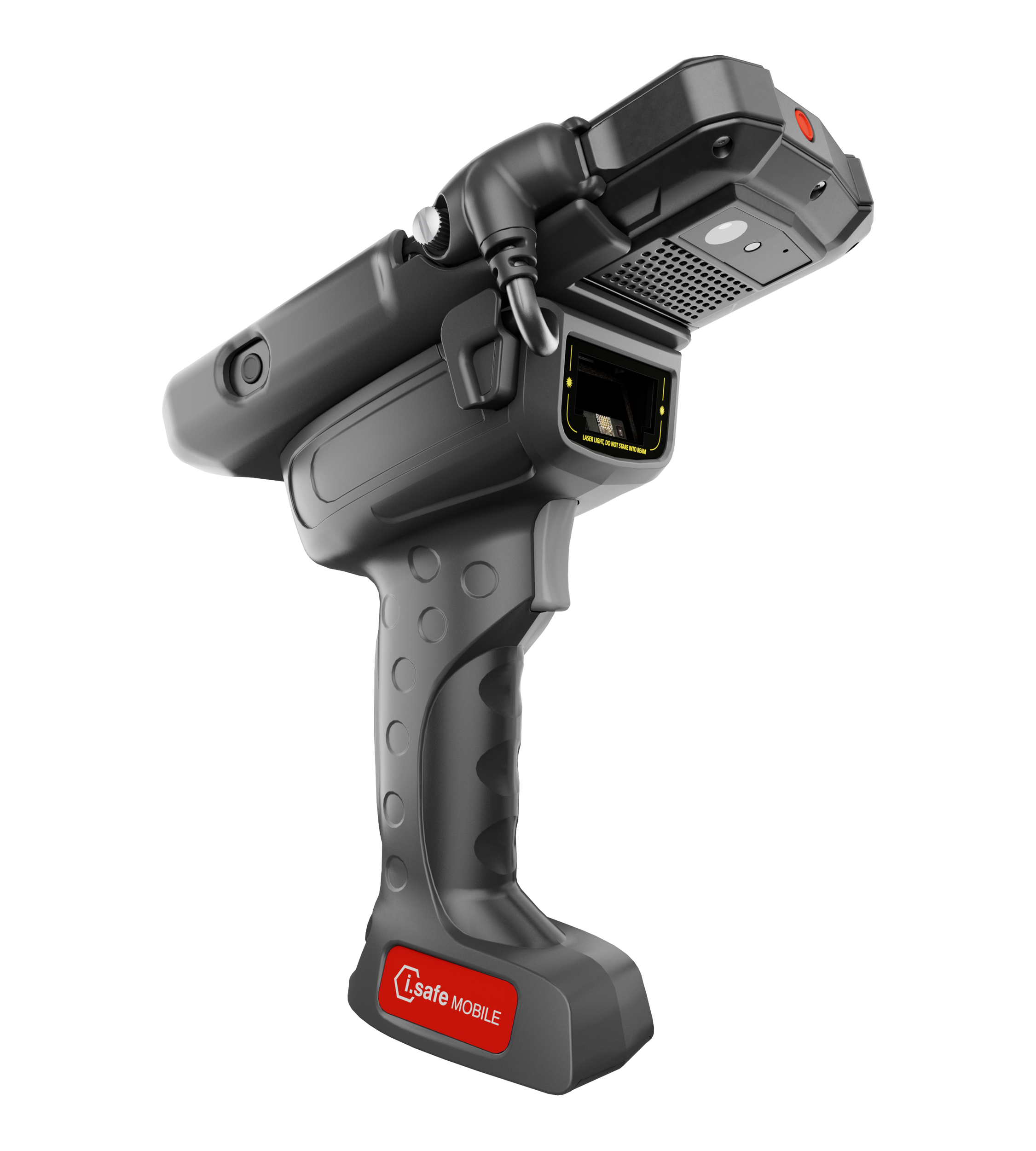
The i.safe MOBILE IS-TH2ER.1 illustrates this type of application. It attaches to the IS540.1 smartphone and uses a Zebra SE55 extended-range scan engine. i.safe MOBILE specifies a working range from approximately 5.6 cm up to 12 metres, depending on the barcode, with support for 1D and 2D capture. Data passes through the smartphone's ISM interface, allowing the phone to remain the main working device while dedicated scanning hardware handles the more demanding capture task.
That is quite different from moving to a separate handheld scanner. Where the workflow is already centred around the smartphone, an attachment can preserve that setup while adding the range, aiming and physical trigger that the job now requires.
Extended range should still be treated as an application requirement rather than an upgrade in itself. If every barcode is scanned from arm's length, a 12-metre capability has little bearing on the decision.
Choosing the approach from the workflow
A useful starting point is to look at the job before looking at individual scanner specifications. If barcode capture is occasional and already forms part of a mobile workflow, the device camera may be all that is needed. As scanning becomes more frequent or repetitive, dedicated hardware can become more practical, particularly where a physical trigger, clearer scan confirmation or freedom from constant screen interaction matters.
Where the smartphone remains central to the task but scanning has become more demanding, a dedicated attachment can add range and aiming capability without changing the wider workflow. Extended-range scanning becomes relevant when codes are genuinely difficult to reach or need to be captured from much further away.
These are not fixed rules. A difficult barcode can make dedicated hardware useful even at short distance, while a well-designed camera-based workflow may remain perfectly effective at a higher scan frequency than expected. The barcode itself, the working distance, PPE, code condition and the way data needs to move into the user's existing system all have a part to play.
Exloc can support each of these routes. mobXscan provides a software-led option using the camera of the mobile device; the IS-TH2ER.1 adds dedicated extended-range scanning to the IS540.1 smartphone; and the SD scanner range provides dedicated cabled and Bluetooth handheld options for scanner-led applications.
Once the frequency, working distance, barcode type and existing software workflow are understood, the hardware decision usually becomes much clearer. If you are specifying barcode capture for a hazardous area application, Exloc can help assess the requirement and identify the most appropriate scanning approach.